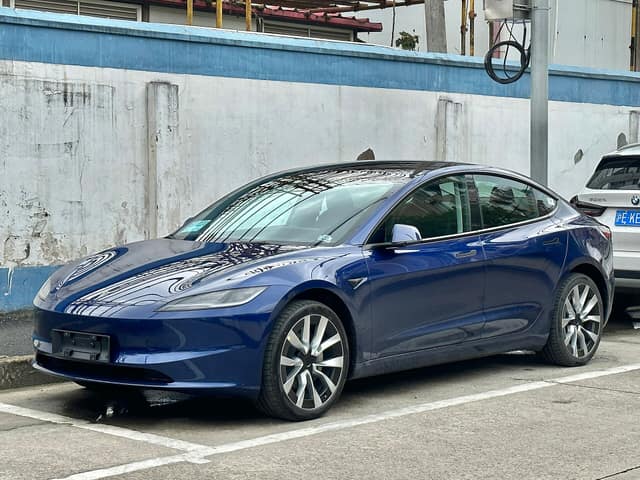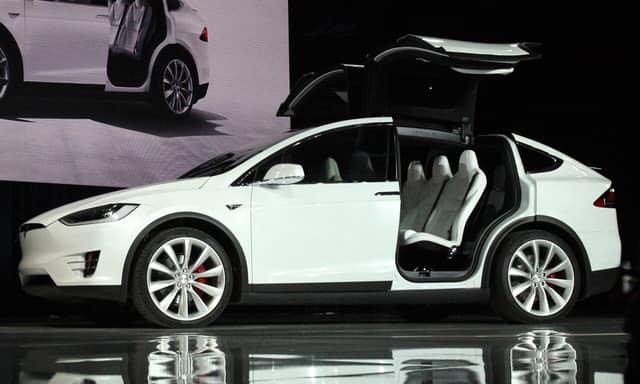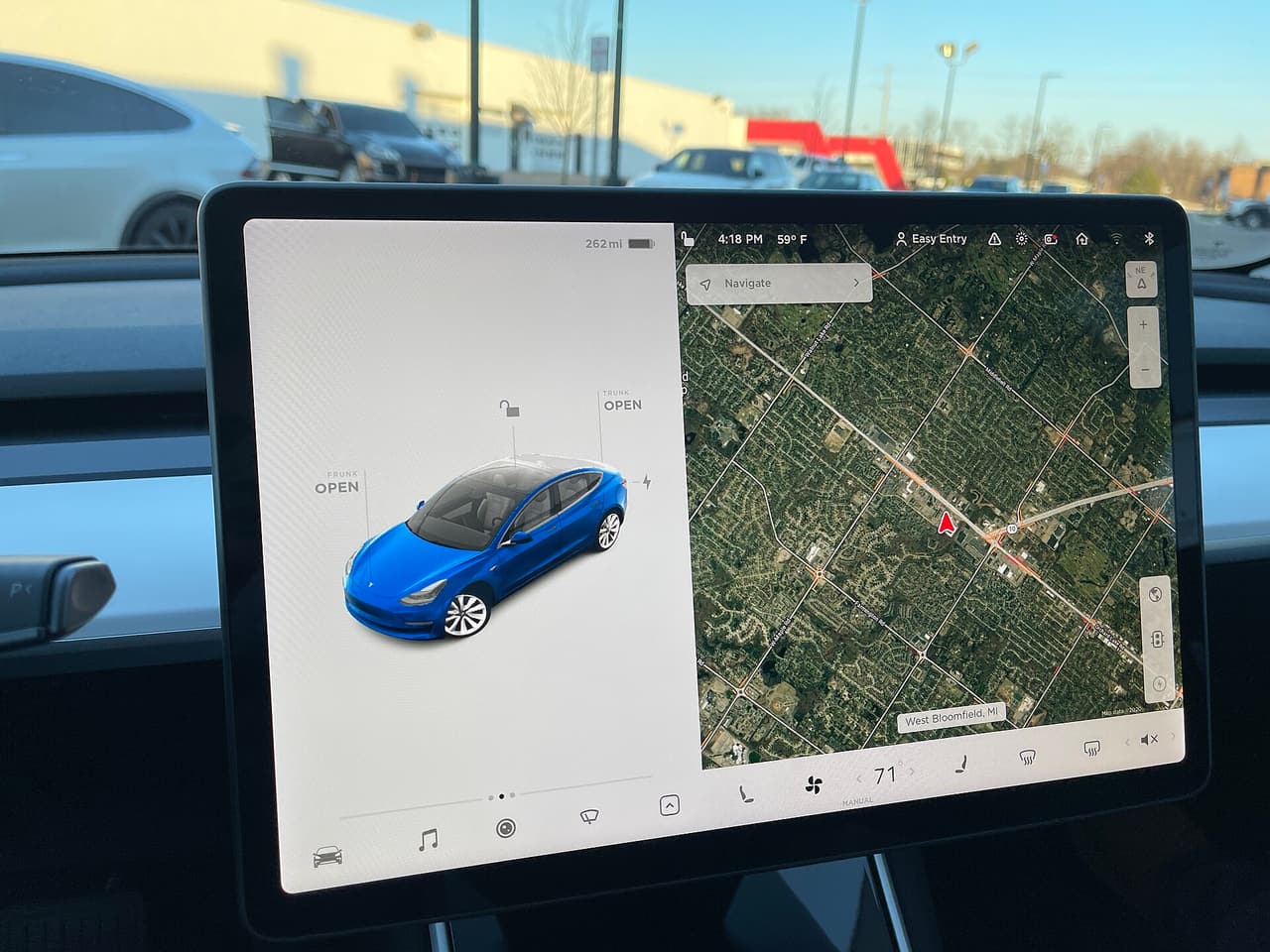
Every Tesla has a 17-character VIN, and it is recorded in three different kinds of places: in the software (app, touchscreen, Tesla account), on labels and plates (windshield plate, door-jamb label) and stamped into the body. The software and the labels are the quick checks; the stamped number matters when you want to be sure a car is what its papers say. The videos were recorded in a Model Y (2020 onwards); the menus of other models follow the same logic, but names can change slightly with software updates.
Quick answer
- Fastest: Tesla app → your car → bottom of the Software screen.
- In the car: touchscreen → Controls → Software → Additional Vehicle Information.
- From outside the car: the plate at the bottom corner of the windshield (driver’s side) and the label on the driver’s door pillar.
- Anti-fraud check: the number stamped into the body – its position depends on the model and the factory (table below).
1. The Tesla app (fastest, works from the sofa)
Open the Tesla mobile app, select your vehicle and scroll to the bottom of the Software screen. The VIN is listed there and can be copied – useful when you talk to an insurer, a service centre or a buyer. The first video below shows exactly where to tap.
2. The touchscreen
In the car, tap the car icon, then Controls → Software and open Additional Vehicle Information. The VIN is listed together with the software version. The second video walks through these menus on the screen.
3. Your Tesla account
Once Tesla has assigned a VIN to your order or delivered car, it is shown with the vehicle in your Tesla account. Some owners have also found the VIN of a car that is still on its way by looking for a string that starts with 5YJ, 7SA, LRW or XP7 in the page of their order – a trick described by Electrek in 2021 that Tesla may have changed since.
4. The plate behind the windshield
Look through the windshield at the top of the dashboard, in the corner on the driver’s side (the lower corner of the glass as seen from outside). A small plate shows the 17 characters, often with a barcode, and you can read it without opening the car. In left-hand-drive cars this is the left side, in right-hand-drive cars the right. Tesla’s manuals describe this plate for every model, which makes it the first thing to compare with the paperwork on a viewing.
Tip: use your phone camera with zoom instead of leaning against the glass, and take a photo – reflections can hide a character, and a photo lets you compare it with the advert afterwards. If your browser supports barcode scanning, TeslaVin’s Scan barcode button can read the code for you.
5. The label on the driver’s door pillar
Open the driver’s door and look at the door pillar (the B-pillar). The compliance label lists the VIN together with tyre pressures, the manufacturing date and weight ratings. Some Fremont-built Model 3 and Model Y cars also have a VIN label higher up on the right-hand B-pillar, according to Tesla’s service manuals. Market exceptions exist – for example, on China-market Model S cars the door label is on the passenger side.
6. The number stamped into the body
Besides the plate and the labels, the VIN is physically stamped into the structure of the car. Labels can be swapped or forged, a stamped number cannot be changed without leaving marks, which is why inspectors and service centres use it. Where it is depends on the model and, for Model 3 and Model Y, on the factory. The table summarises what Tesla’s service manuals describe; because the exact position can depend on build date, check the manual for your car’s model year before you go looking.
| Model | Software, plate and label | Stamped / extra locations |
|---|---|---|
| Model 3 | Touchscreen; windshield plate (driver’s side); door-jamb label; product plate on the passenger-side door pillar (owner’s manual) | Shanghai-built cars: stamped into the floor under the front passenger seat (exact spot depends on build date). Some Fremont builds: label on the upper right B-pillar |
| Model Y | Touchscreen (Controls → Software); windshield plate; driver door-jamb label | Fremont (some builds): upper right B-pillar. Shanghai: under the right front seat. Berlin: on the right rear door sill |
| Model S | Windshield plate; driver door-jamb label (passenger side on China-market cars) | Before September 2015: front crossmember under the rear centre apron of the front trunk. From September 2015: right front sill panel |
| Model X, Cybertruck, Semi | App, touchscreen, windshield plate and door label follow the same pattern | Not verified here – see the “Vehicle Identification Number” page in the service manual for your model |
Be careful with stamped locations: on many cars they sit under trim, carpet or seats. Do not pull panels apart on a car you do not own. If a seller will not let you look, or the number cannot be read, ask a specialist or an authorised service centre to check it – and treat a refusal as information.
7. Registration papers, insurance and invoices
The registration certificate (in Poland the dowód rejestracyjny), the purchase contract, the insurance policy and any Tesla Service invoice also carry the VIN.
Always compare at least two sources
When buying a used Tesla, make sure the VIN on the windshield plate, the door-jamb label and in the car’s software all match the paperwork, and – if you can – the stamped number too. A mismatch is a serious warning sign. Once you have it, decode the VIN to confirm the model, year, factory and drivetrain are what the seller claims, then read our used-Tesla VIN checklist.
Reading the VIN correctly
- A VIN never contains the letters I, O or Q – if you see something that looks like them, it is a 1 or a 0.
- A VIN has exactly 17 characters; count them.
- If the check digit looks wrong, it is often a typo – see the check digit explained.
- The factory is written in the 11th character – see which factory built my Tesla.