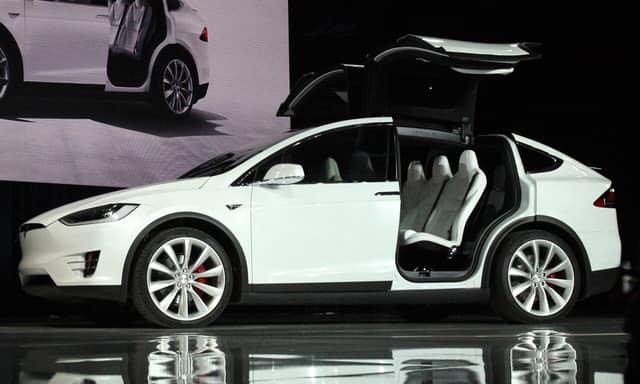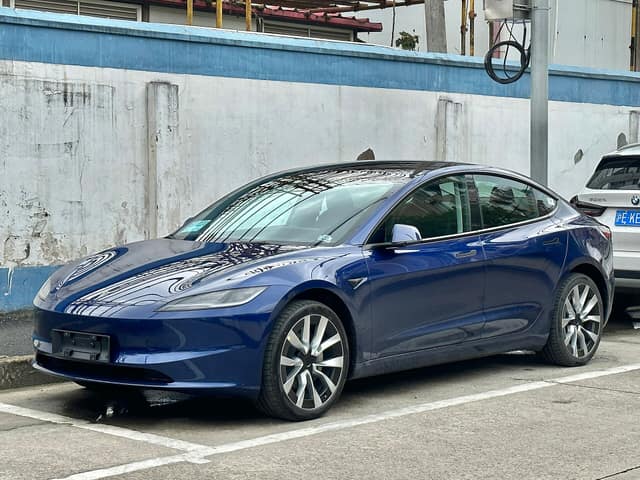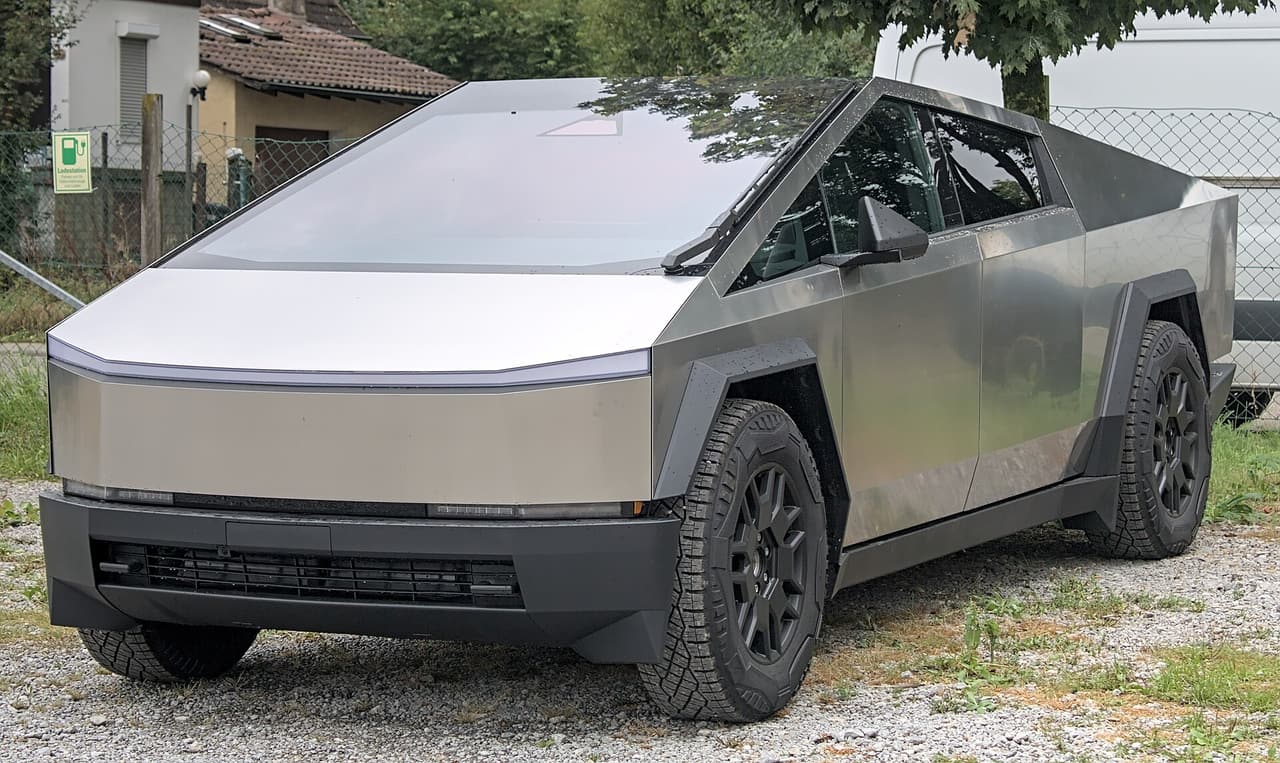
A recall campaign is issued for a defined set of vehicles – a model, a range of model years or a production window. Whether your Tesla is part of it is answered by the VIN. Many Tesla recalls are fixed with an over-the-air (OTA) software update, but some require a visit to a service centre.
Three ways to check
- NHTSA. The US National Highway Traffic Safety Administration lets you enter a VIN at nhtsa.gov/recalls and shows open recalls for that exact car. This is the most authoritative source for US-market vehicles.
- Your Tesla app and the car. Tesla shows service and recall notifications in the app, and OTA fixes install with software updates.
- TeslaVin. After you decode a VIN, TeslaVin lists the NHTSA recall campaigns for that model and year, including the component, the risk and the remedy, and marks which are OTA fixes. This list is model-level – it tells you what has been recalled for cars like yours, not whether yours is still open.
Model-level vs VIN-level data
NHTSA publishes campaigns per make, model and year. A campaign may cover only part of a model year, so the right question for a specific car is answered by the VIN lookup on NHTSA’s site. TeslaVin links to it from every result.
Cars outside the US
For cars built or sold in Europe, recalls are handled nationally. In the EU, check the RAPEX / Safety Gate alerts, your national transport authority and Tesla’s own service channels with your VIN. The model-level NHTSA data is still a useful indicator because many campaigns affect the same hardware worldwide.
What to do if a recall is open
- Check whether the remedy is OTA – if so, connect the car to Wi-Fi and install the pending update.
- If a service visit is required, book it in the Tesla app; recall repairs are free of charge.
- When buying a used car, ask the seller to show that open recalls were completed.